FOR EQUIPMENT RENTAL SHOPS
Know what's down, without the group text.
Shop Call shows every machine that's down, who's on it, and how long it's been. Anyone on the crew can call one in from the yard.
Runs on your phone. Add it to the home screen and it opens like any other app.
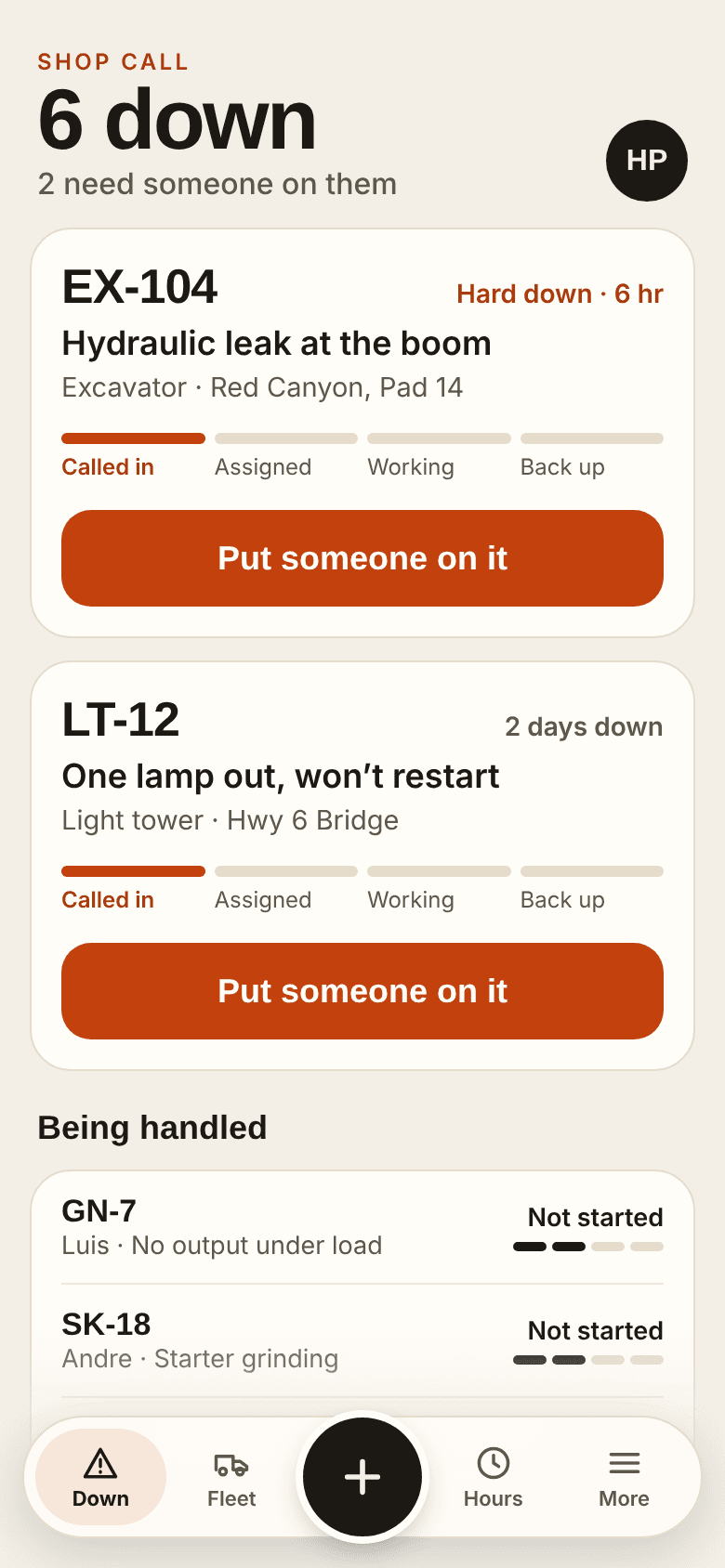
From called in to back up, on one screen.
A machine goes down. Somebody has to know, somebody has to fix it, and the office has to know when it's earning again. That's the whole app.
See what's down
Open the app and you're looking at every machine that's off rent. The ones nobody has picked up are at the top, hard down first, each with how long it's been down.
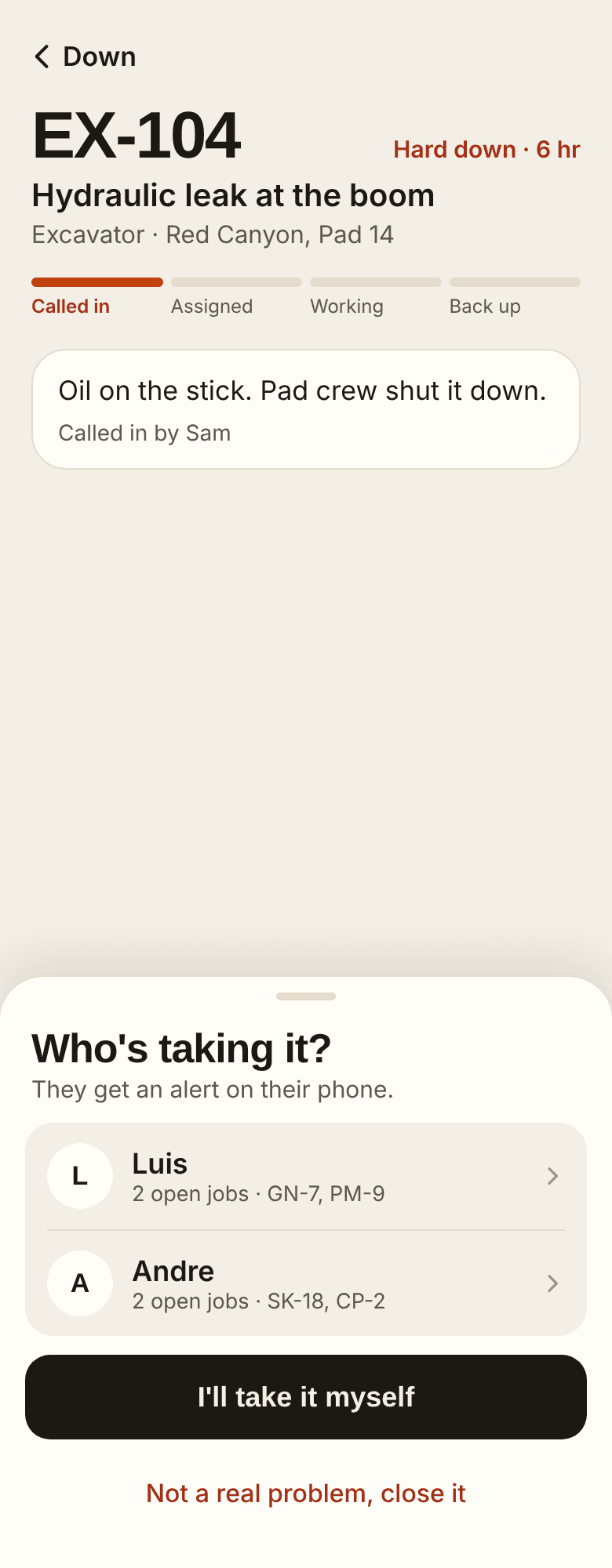
Put someone on it
Tap the job, tap a name. You see what each mechanic is already carrying before you hand it out, and they get an alert on their phone.
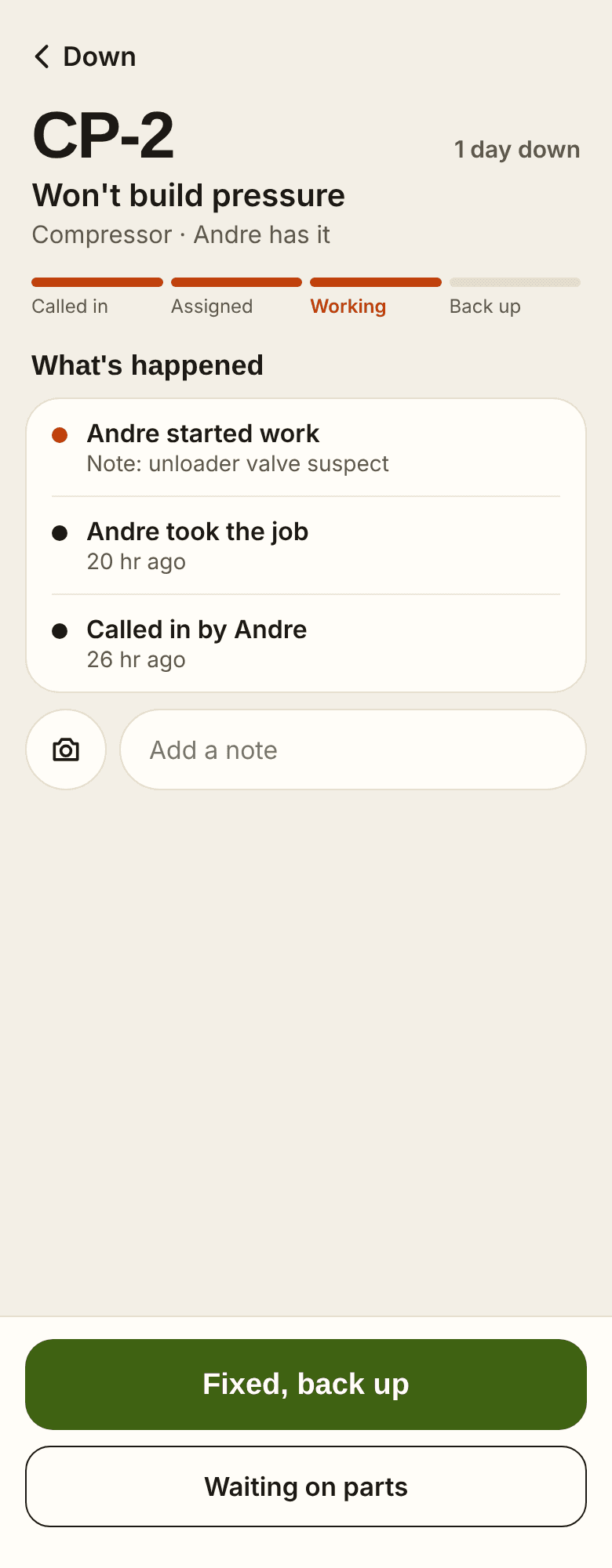
Know when it's back up
Every job shows the same four steps: called in, assigned, working, back up. The mechanic taps one button to move it along, so nobody has to type an update.
Call one in before you're out of the seat.
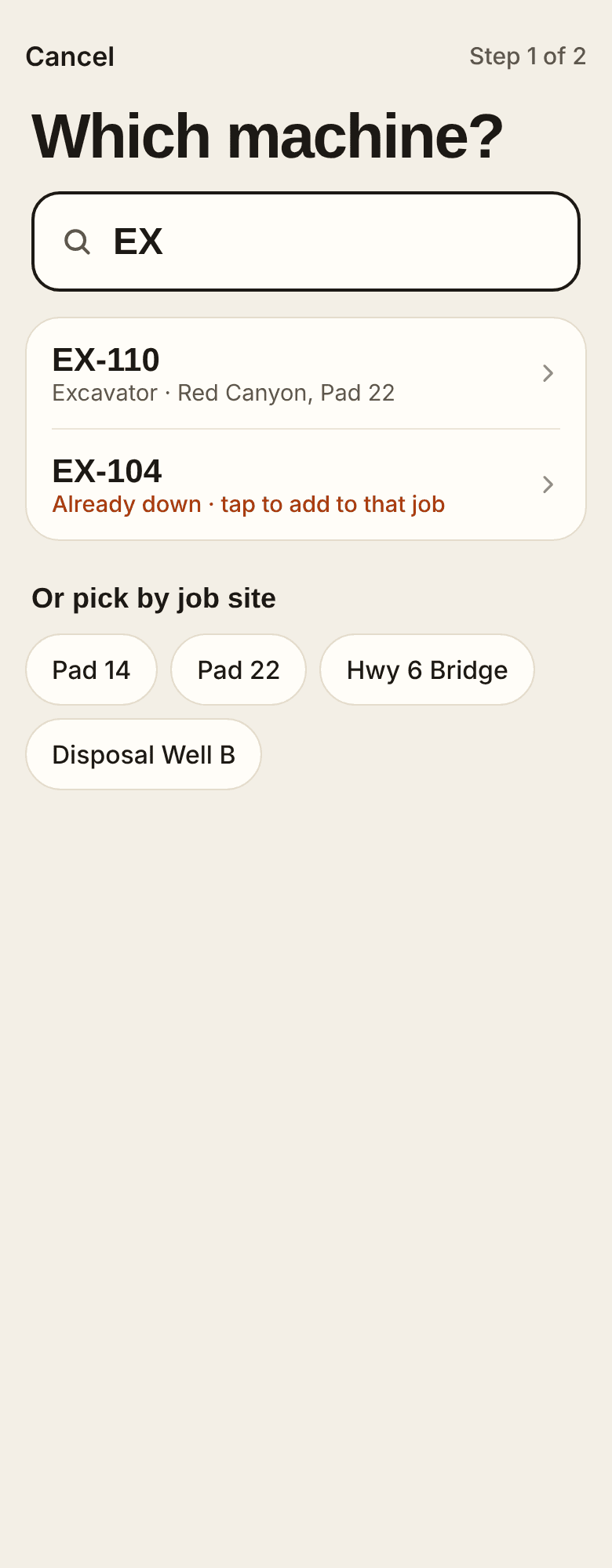
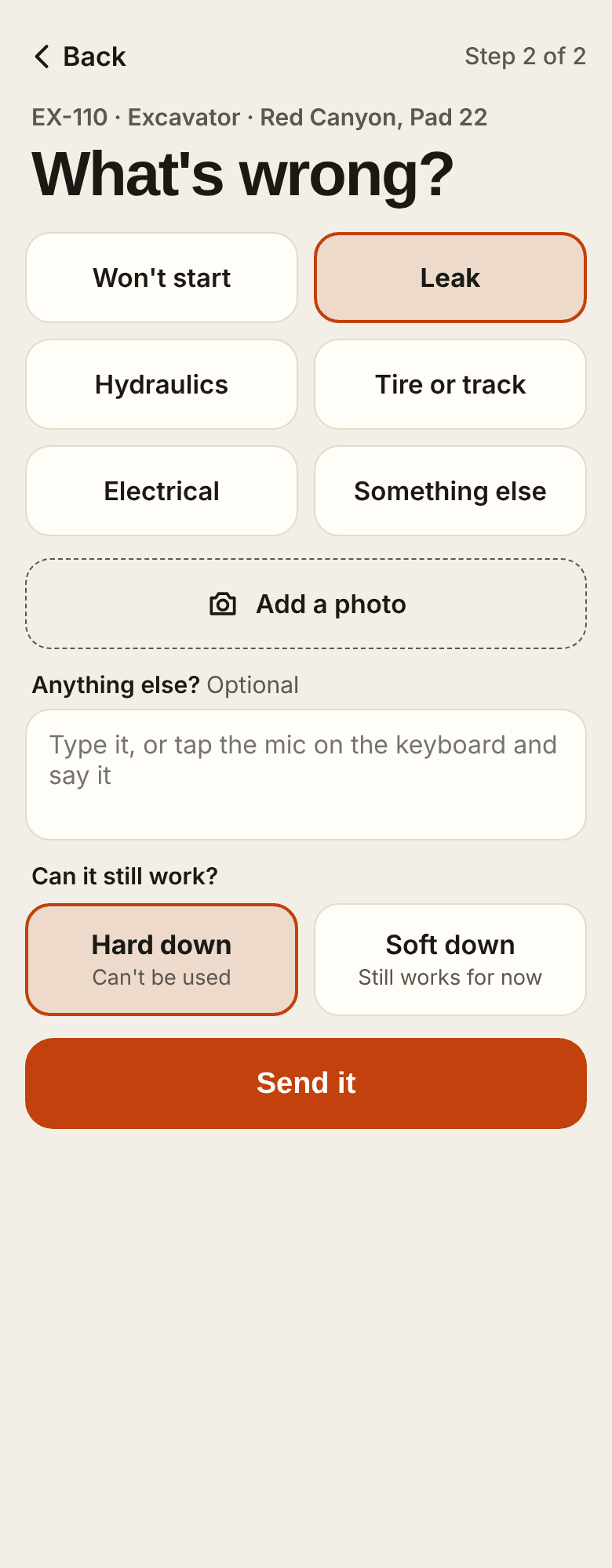
A service call takes a unit number, one tap for what's wrong, and a photo if it helps. Say whether it's hard down or soft down, and send it.
If that machine is already on the list, your report is added to the open job, so the mechanic gets one job with everything in it.
Built for the yard, not the office.
- Alerts on your phone
- A machine goes down, a job is handed to you, a machine is back up. You hear about it without checking.
- Hours for billing
- Download the hours each machine was down, by customer and date range, as a spreadsheet the office can open.
- Everyone sees their part
- Supervisors assign. Mechanics take jobs and move them along. Office staff can call one in and add notes.
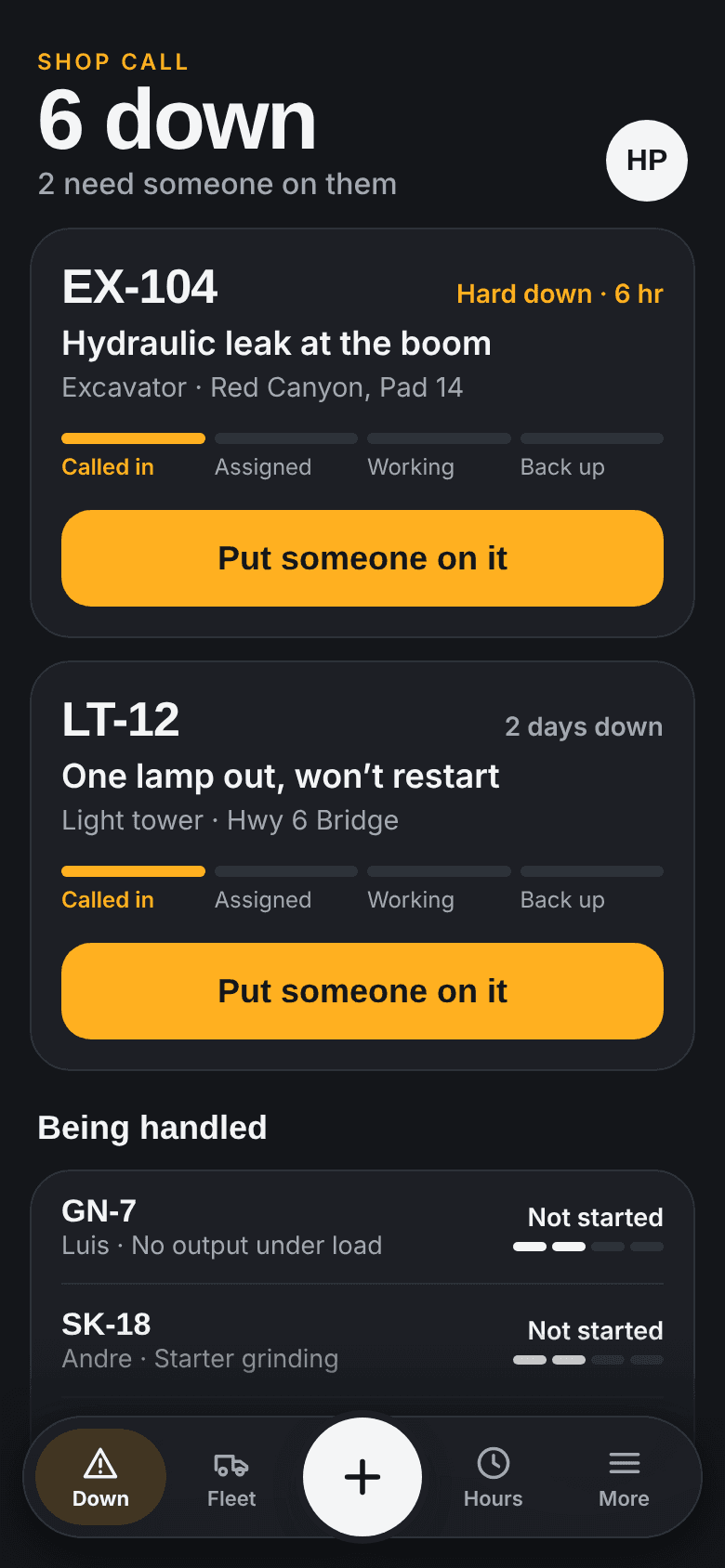
- Light and dark
- It follows your phone, so it reads in full sun and at five in the morning.